Interaction Designer & Developer · Unreal Engine 5 + VR (Meta Quest)
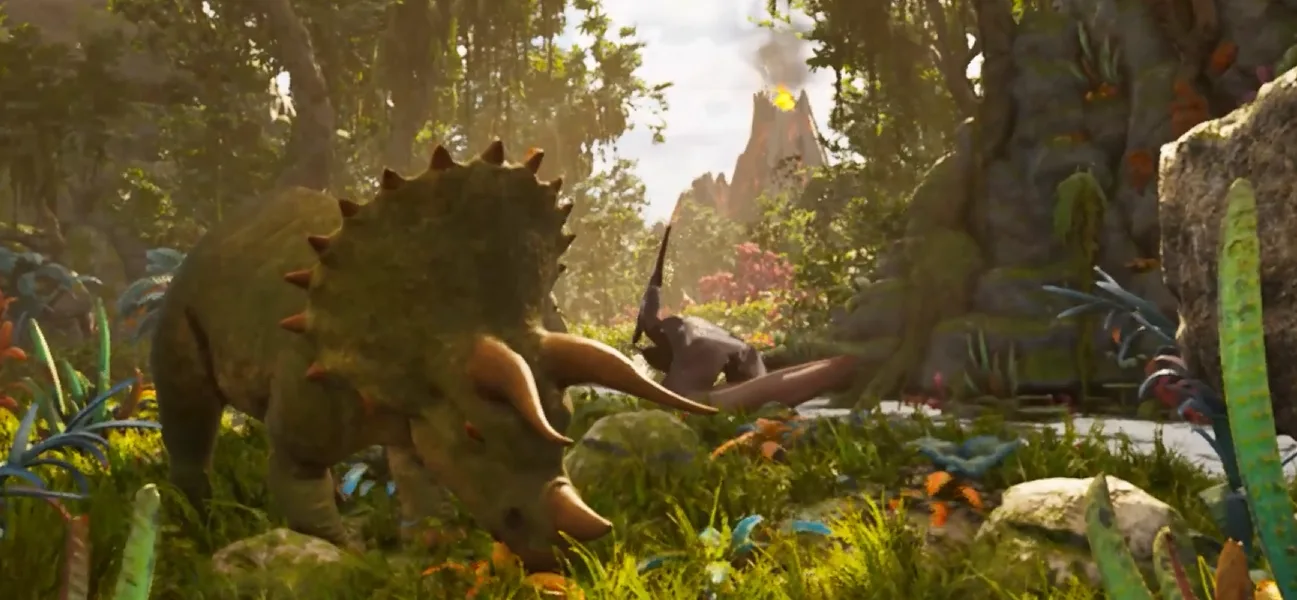
An immersive educational experience built for standalone VR, where players explore a prehistoric ecosystem and interact with dinosaur species, plants, and artifacts. I designed and implemented the entire player interaction system in VR, including motion controller input, world interaction, and the events that shape the educational narrative.
Full gameplay video coming soon
Scan → Highlight → Feedback
(visual + audio + haptic)
Built the full interaction layer between VR motion controllers and in-game actions, designed to give meaningful feedback for every action, from scanning an egg to approaching a full-size dinosaur.
Scan Nest → Trigger Event
T-Rex Encounter
Built the logic behind the world's interactivity: looking at, touching, or scanning objects unfolds events that teach or guide the player.
Built with museum and classroom audiences in mind, many of them experiencing VR for the first time, so clarity and comfort mattered as much as the interactions themselves.
Accessible UI panels that stay legible and intuitive within VR space, without breaking immersion.
Tuned tool positioning, hand animations, and snap interactions to reduce physical discomfort during play.
Tuned locomotion, field of view, and camera effects specifically to avoid VR motion sickness.